Turn any photo into a cross stitch, crochet or knitting pattern
Named thread colors, a printable chart and how much of each color you need. Your photo never leaves your device.
Make a cross stitch chart from a photo
Runs in your browser. Nothing is uploaded. No sign-up.
No photo handy?
80 stitches wide · choose a photo to see the height
More options
Pinch or scroll to zoom, drag to move. Tap a color in the key to highlight it.
Moonleaf Pro is coming soon · $4.99 per chart or $14.99 lifetime
- The printable PDF: cover, color key with amounts, chart pages with a page map
- Written row-by-row instructions for C2C and row crafts
- Charts up to 400 stitches wide and 70 colors
Everything above is free while we launch. Leave your email and we'll write once, when Pro is ready.
- Cross stitch
- Needlepoint
- C2C crochet
- Graphgan
- Tapestry crochet
- Knitting
- Alpha bracelets
Example
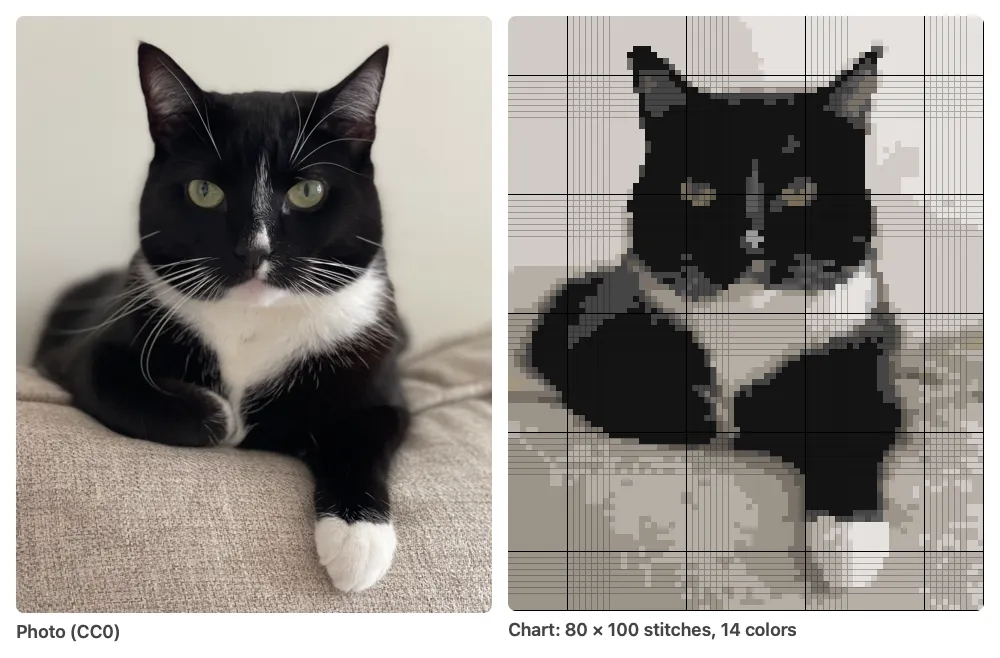
A public-domain photo of a cat (by Ryan Schwark, CC0) and the 80 × 100 cross stitch chart the tool on this page made from it: 14 floss colors, 8,000 stitches, 16 skeins.
How it works
-
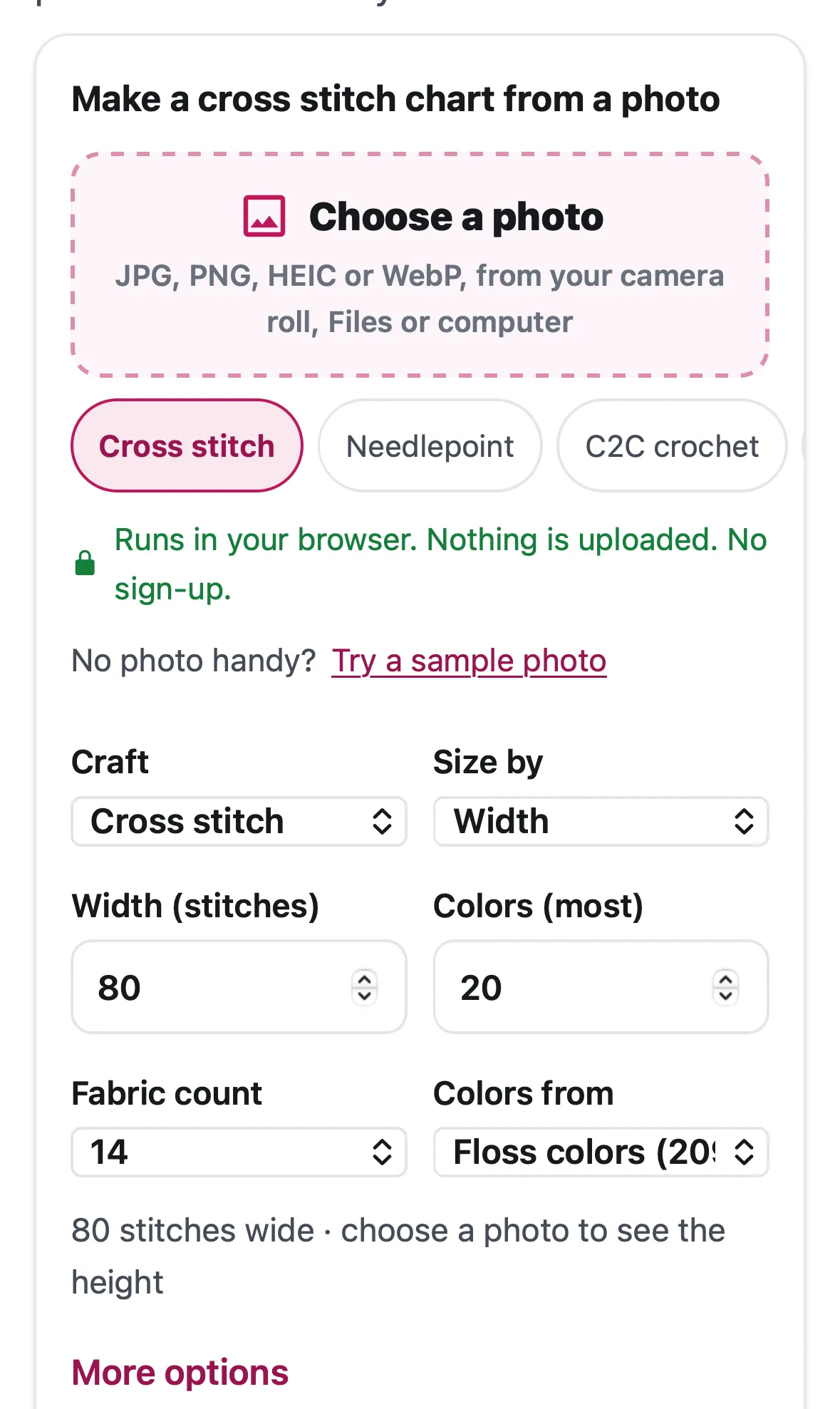 Choose a photo From your camera roll, Files or computer, and pick your craft. Nothing is uploaded.
-
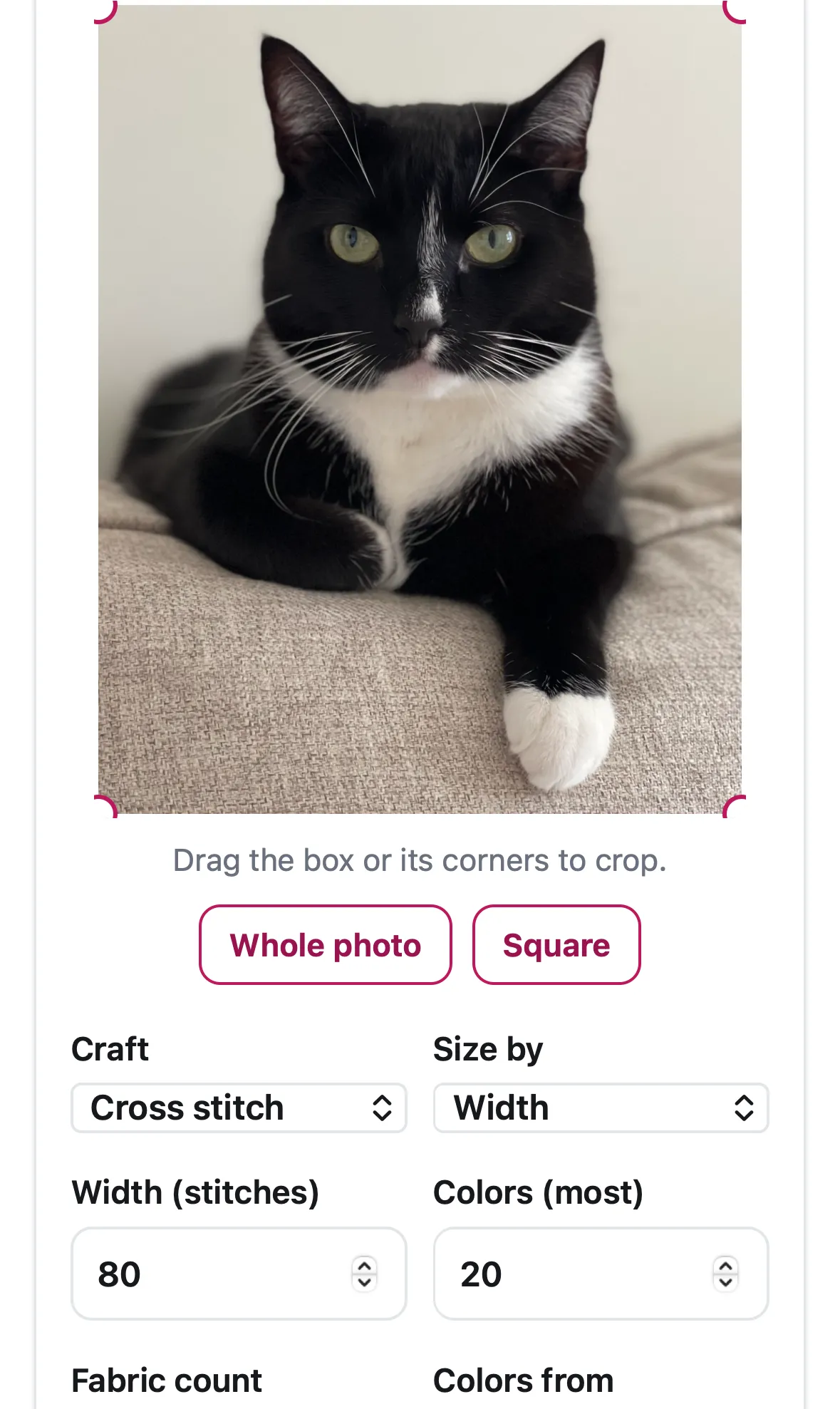 Crop and size it Drag the box to crop, then set the width in stitches and the number of colors.
-
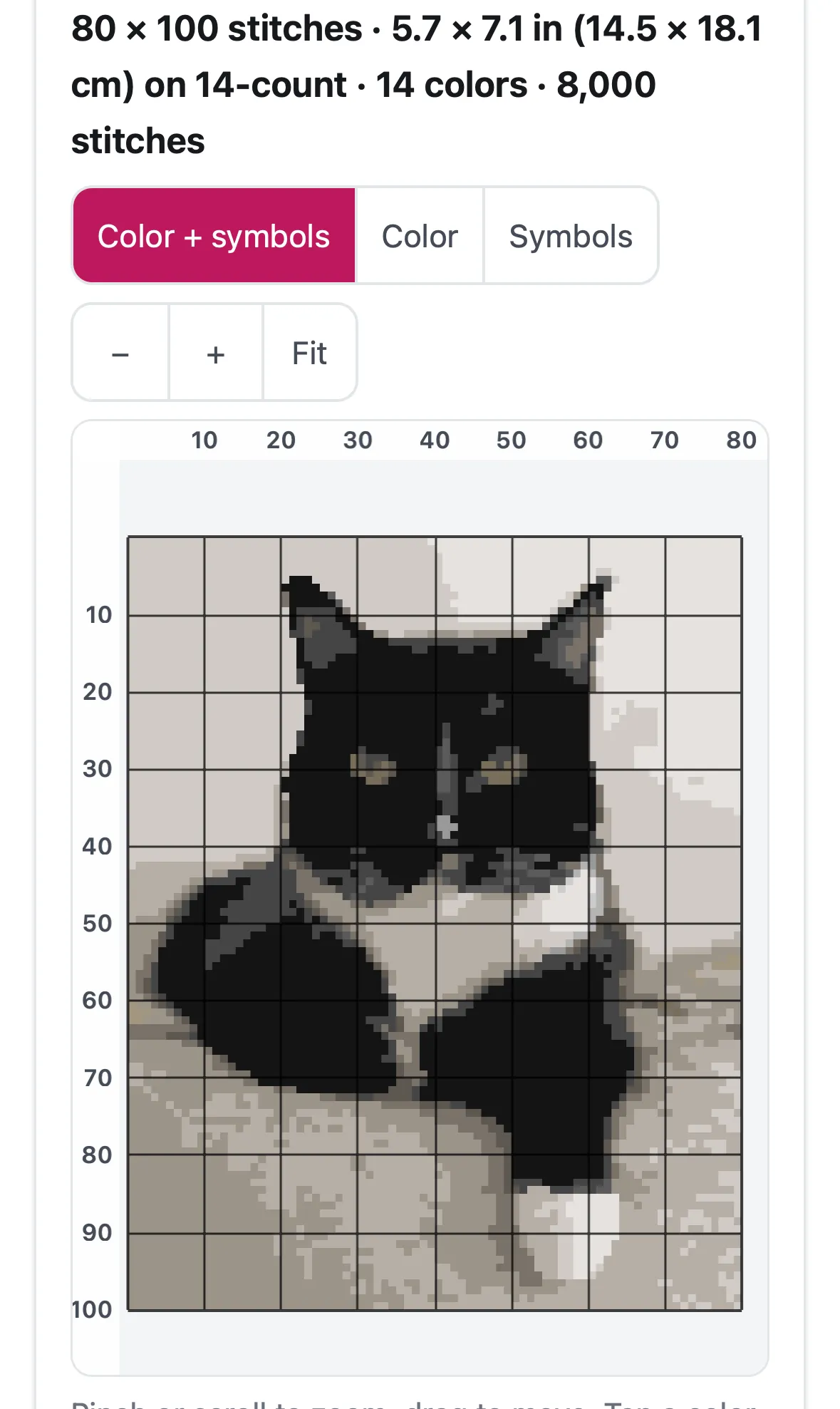 Get the chart Zoom the chart, check the color key and skeins, download the PDF or track your stitches.
Charts for every craft
- Cross stitch from a photoTurn any photo into a cross stitch pattern with symbols, a color key, skein counts and a printable PDF. Runs in your browser; nothing is uploaded.
- Needlepoint canvasTurn a picture into a needlepoint chart for 10 to 18 mesh canvas, with a color key, canvas size, wool yardage per color and a printable PDF.
- C2C crochet blanketTurn a picture into a corner-to-corner crochet graph with written row-by-row color counts, tile totals, yarn yardage and a printable PDF. Free.
- Graphgan (single crochet)Turn a picture into a single crochet graphgan chart with row-by-row color counts, true stitch proportions, yarn yardage and a printable PDF.
- Tapestry crochetTurn a picture into a tapestry crochet chart for rounds or rows, with color counts in working order and yarn amounts that include the carried strands.
- Knitting colorworkTurn a picture into a colorwork knitting chart sized to your gauge, with row-by-row counts, colors-per-row and float checks, yarn amounts and a PDF.
- Alpha friendship braceletsTurn a picture into an alpha friendship bracelet pattern with one square per knot, rows written out with knot direction, and the base strings to cut.
- How much fabric to buyWork out how big your cross stitch will be and how much Aida, evenweave or linen to cut, for any stitch count, fabric count and framing margin.
- C2C blanket size and yarnWork out how many C2C tiles wide and long your blanket graph should be, how many diagonal rows that is, and roughly how much yarn to buy.
- How many skeins of flossOne 8 m skein covers about 1,785 cross stitches on 14-count with 2 strands. Work out skeins per color for any count and strands, with a margin.
- Track your stitches on iPhone and iPadPattern Keeper is Android-only. The iPhone and iPad apps that open cross stitch PDFs, compared, plus Moonleaf's free in-browser pattern keeper.
Why you can trust it
Price
Free · today
- Charts for seven crafts from any photo
- Color key with stitch counts and thread or yarn amounts
- The printable PDF and written row-by-row instructions
- Pattern keeper for iPhone and iPad
Pro coming soon
$4.99 per chart or $14.99 lifetime
- The printable PDF: cover, color key with amounts, chart pages with a page map
- Written row-by-row instructions in the PDF (C2C, graphgan, knitting)
- Full-size chart images
Tell me when Pro is ready
Everything above is free while we launch. Leave your email and we'll write once, when Pro is ready.
Questions people ask
Is Moonleaf free?
Yes. While we launch, everything is free: the chart, the color key, the PDF and the pattern keeper. No sign-up and no watermark.
How do I turn a photo into a cross stitch pattern?
Choose the photo, crop it, and set the width in stitches and the number of colors. Moonleaf makes a symbol chart with bold lines every 10, a color key with skeins, and a printable PDF.
Which crafts can it make patterns for?
Cross stitch, needlepoint, C2C crochet, graphgan (single crochet), tapestry crochet, knitting colorwork and alpha friendship bracelets. Each uses its own sizes: fabric count, canvas mesh, tile size, gauge or knots.
Can it write out a C2C pattern row by row?
Yes. C2C charts come with every diagonal row written out in the order you work it, with increases and decreases marked. Graphgan, tapestry crochet, knitting and bracelet charts get row-by-row color counts too.
What size should my pattern be?
Divide the stitches by the fabric count: 80 stitches is 5.7 inches on 14-count Aida. Pets and faces need about 80 stitches or more across to keep their features.
How many skeins of floss will I need?
The color key tells you for every color. One 8 m skein covers about 1,785 full cross stitches on 14-count with 2 strands; Moonleaf adds a 15% margin and rounds each color up.
Does it use DMC thread numbers?
Not yet. We found no DMC color list we're allowed to reuse, so charts use Moonleaf's 209 named floss shades, the photo's own colors as hex codes, or a thread list you load yourself. Moonleaf is not affiliated with DMC.
Is my photo uploaded anywhere?
No. The photo is opened and charted in your browser on your own device, and nothing carrying it is sent to us.
Can I mark my stitches on an iPhone or iPad?
Yes, for charts made with Moonleaf: the free pattern keeper runs in Safari and saves your progress on the device. It doesn't open designers' PDF patterns yet.
Guides
- How many skeins of flossOne 8 m skein covers about 1,785 cross stitches on 14-count with 2 strands. Work out skeins per color for any count and strands, with a margin.
- Pattern keeper for iPhone and iPadPattern Keeper is Android-only. The iPhone and iPad apps that open cross stitch PDFs, compared, plus Moonleaf's free in-browser pattern keeper.